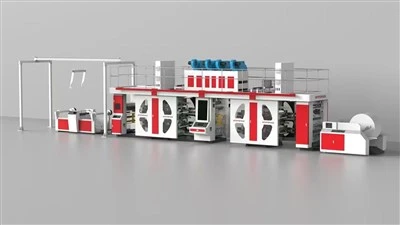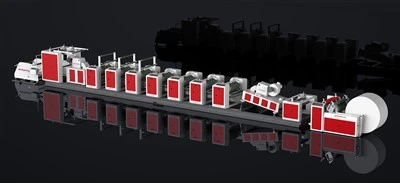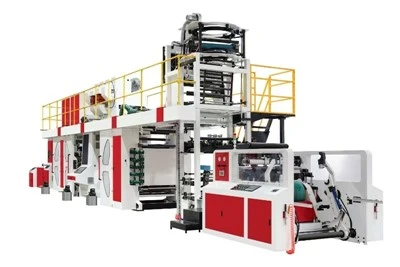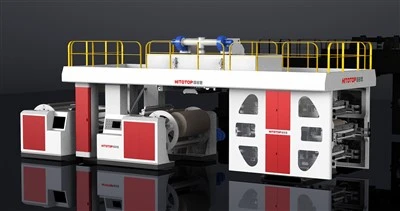

For common malfunctions encountered during production, the following methods can be used for troubleshooting and handling:
Substrate Wrinkling: Reduce unwinding tension, match the equipment to the substrate thickness, run slowly during the initial printing phase until the correction roller is aligned, then switch to automatic mode. Before starting the machine, check and remove any foreign objects from the rollers.
Paper Stagnation: Replace worn die-cutting blades promptly. If the die-cutting bottom roller is not compatible with the substrate thickness, short-term adjustments can be made by applying adhesive tape; long-term adjustments require replacing the die-cutting bottom roller with a suitable one.

Plate Clogging: Select the appropriate anilox roller line count based on the screen ruling of the printing plate. For example, using a 700Lpi anilox roller with a 120Lpi printing plate can reduce the probability of plate clogging.
Abnormal Printing Pressure: Strictly control the plate compression within 0.1mm to avoid excessive pressure causing dot deformation and plate smudging, and insufficient pressure resulting in uneven ink color.