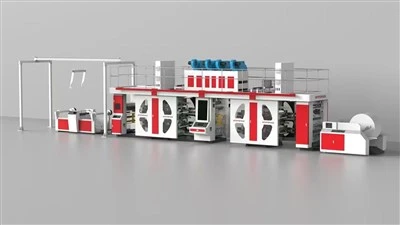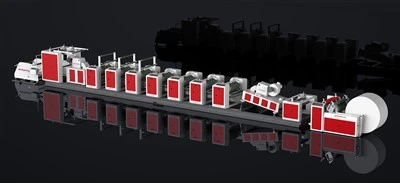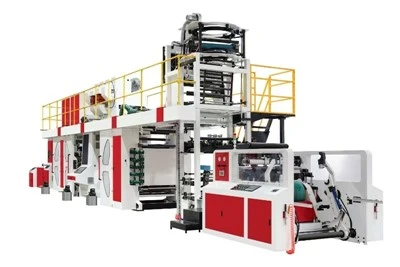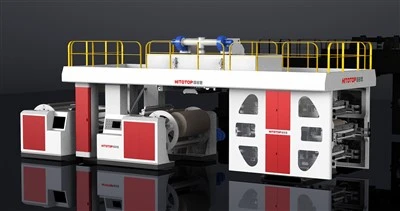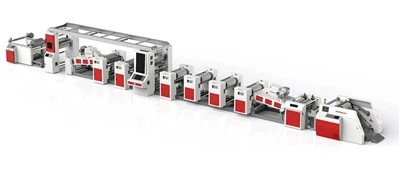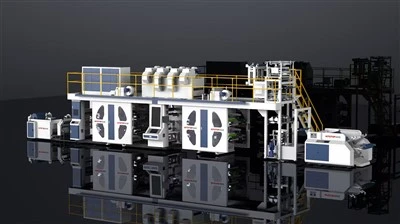

Printing Rollers (Core Printing Component)
Use a professional cleaning cloth and corresponding cleaning agent, following the equipment instruction manual, to thoroughly remove oil, ink stains, and impurities from the roller surface.
Feeding and Slitting Components
Feeding Path: Wipe all guide rollers, pressure rollers, and unfolding rollers with a non-woven cloth soaked in 95% or higher concentration alcohol to remove residual adhesive residue and toner.
Slitting Knife Grooves: Clean dust between the circular knife and bottom knife grooves, and promptly clean waste filaments from the waste material collection shaft to avoid affecting slitting accuracy.
Electrical and Heat Dissipation Components
Clean the filters of the inverter and servo drive cooling fans, and wipe the touch screen surface to prevent dust from clogging the heat dissipation holes and causing overheating and damage to components.
Paper Feeding and Dispensing Components
Use a vacuum cleaner or soft brush to clean dust and paper scraps from the paper feeding section to ensure smooth paper feeding and prevent paper jams.